
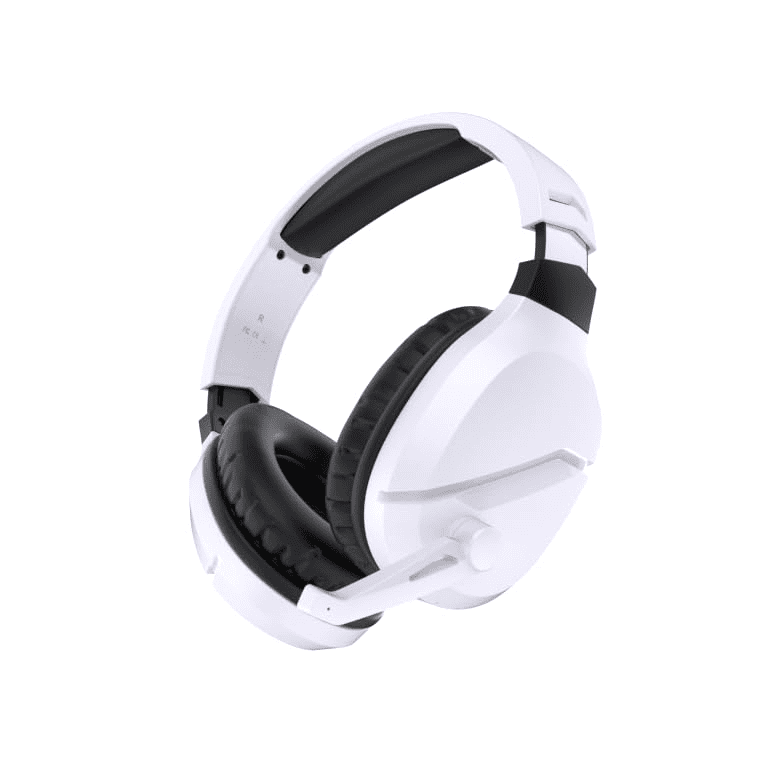
WolfLawS Gaming Products Brand

WolfLawS brings high-performance gaming gear to the battlefield with cutting-edge headsets, mice, and keyboards designed for precision and immersion. From crystal-clear 7.1 surround sound to ultra-responsive RGB-lit mice, every product is built for gamers who demand more. Game longer, react faster, and conquer every challenge with WolfLawS.

Top WolfLawS Gaming Products

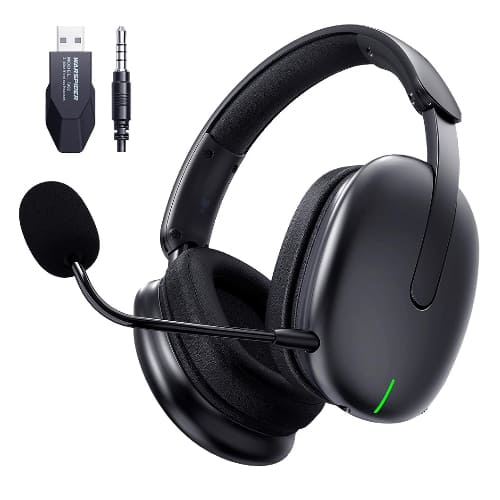
WolfLawS TA82 Wireless Gaming Headset

This popular multi-platform headset features virtual 7.1 surround sound, a detachable noise-canceling microphone, and an impressive battery life of up to 45 hours for long gaming sessions.

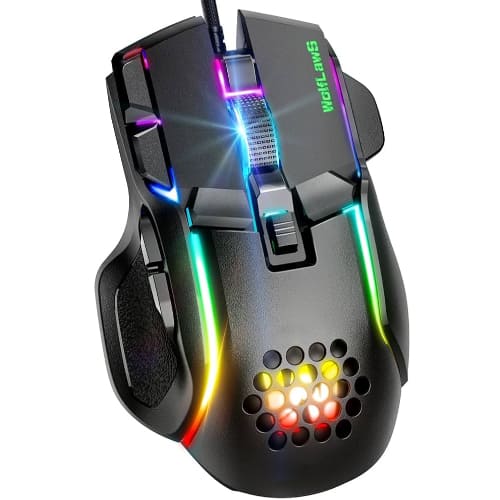
WolfLawS M6 RGB Gaming Mouse

Designed to give competitive players an edge, this ergonomic gaming mouse boasts vibrant customizable RGB lighting alongside a high DPI sensor for precise in-game tracking.

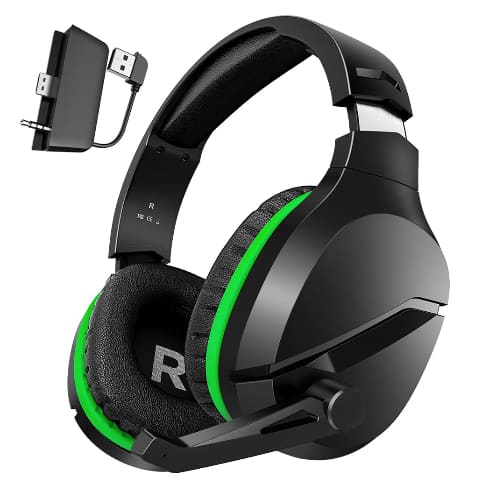
WolfLawS X3 Wireless Gaming Headset

Equipped with an extended 60-hour battery life and an advanced ENC noise-canceling microphone, this versatile headset delivers low-latency audio across PC, PlayStation, Xbox, and Nintendo Switch consoles.

WolfLawS Gaming Products delivers high-performance gear designed to elevate your gaming experience. Explore their premium product categories to take your gaming setup to the next level!
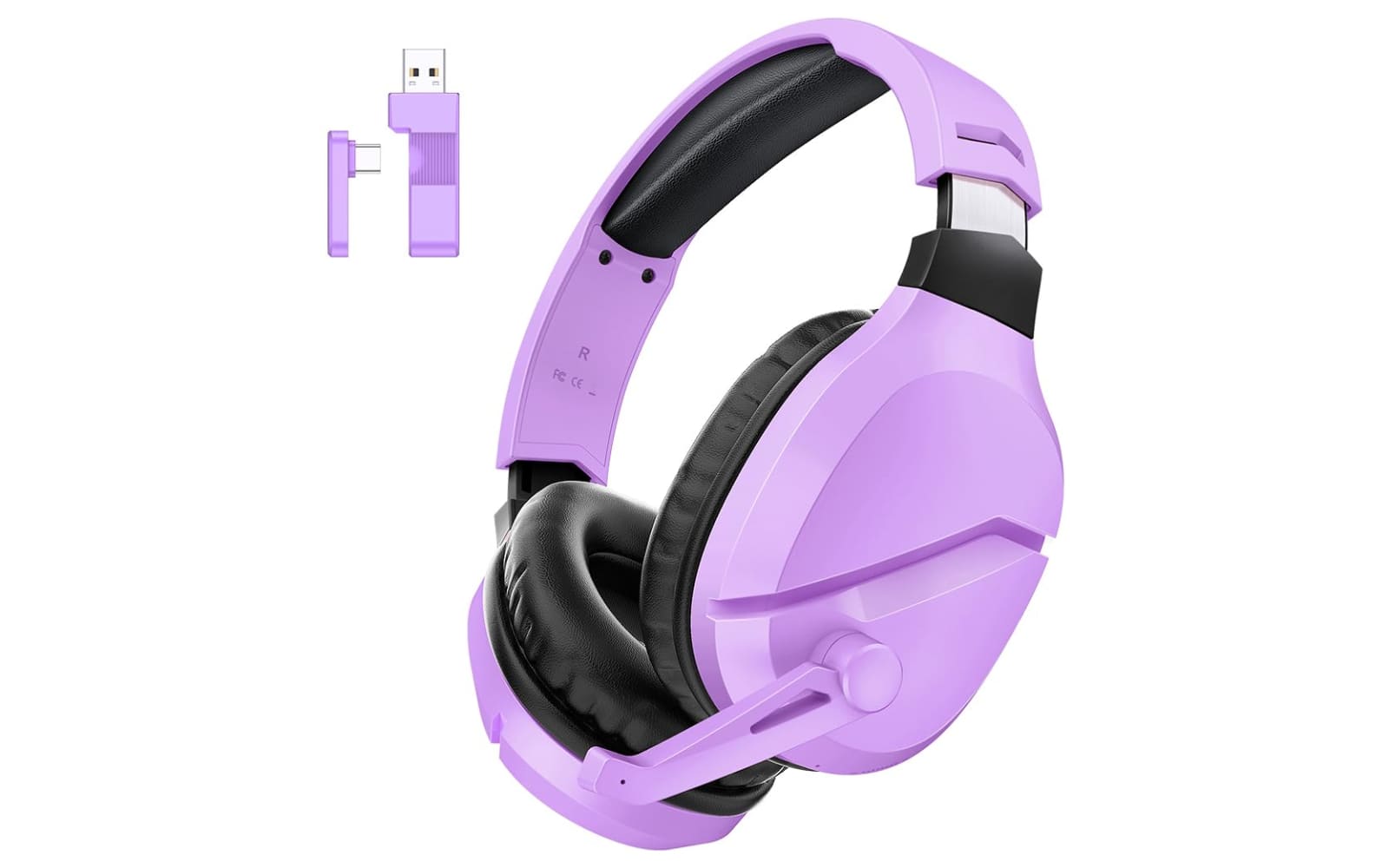
Gaming Headsets

WolfLawS Gaming Headsets provide exceptional sound quality, noise-canceling microphones, and 7.1 surround sound. These wireless headsets are compatible with PC, PS4, and PS5, ensuring an immersive experience across all platforms.

Gaming Mice

Whether you prefer wired or wireless, WolfLawS Gaming Mice offer precision, ergonomic designs, and customizable RGB lighting. With adjustable DPI, they deliver superior control and comfort for any gaming session.

Gaming Accessories

From controllers to gaming pads, WolfLawS offers a wide range of accessories that enhance both style and performance for the ultimate gaming experience.

Reviews

James Smith
“I’ve been using the WolfLawS Gaming Headset for a few weeks now, and I have to say, it’s a game changer! The sound quality is crystal clear, and the 7.1 surround sound really helps me get immersed in my games. The noise-canceling mic is perfect for communicating with teammates, and I love the fact that I can use it with both my PC and PS4. The battery lasts forever too, making long gaming sessions a breeze!”

Sarah Johnson
“The WolfLawS Gaming Mouse is the best I’ve ever used. The ergonomic design fits my hand perfectly, and the adjustable DPI lets me fine-tune the sensitivity to my liking. The RGB lighting is a nice touch, and I love how customizable the settings are. Whether I’m playing FPS games or strategy games, the precision is unmatched. I highly recommend this mouse to anyone looking to upgrade their gaming gear!”

Michael Davis
“I recently got a set of WolfLawS Gaming Accessories, including the mouse and headset, and I couldn’t be more impressed. The headset offers incredible sound quality, while the mouse is super responsive and comfortable. The build quality of the accessories feels premium, and they really enhance my gameplay. Everything is designed for gamers, and it shows. These products are worth every penny!”

WolfLawS FAQ

How do I connect my WolfLawS wireless headset to a PlayStation or Nintendo Switch?

You can easily connect the headset by plugging the included 2.4GHz USB dongle directly into the USB port of your PlayStation console or the Nintendo Switch dock. For handheld Switch play or Xbox consoles, you will need to use the provided 3.5mm audio cable to establish a wired connection.

Why is my WolfLawS microphone not picking up any sound?

First, ensure that the physical mute switch on the headset ear cup is flipped to the “on” position and that the detachable microphone is firmly pushed all the way into its jack. Additionally, check your PC or console’s audio settings to make sure the WolfLawS device is selected as your default input/recording device.

Can I customize the RGB lighting patterns on the WolfLawS M6 gaming mouse?

Yes, the mouse features built-in lighting profiles that you can toggle directly using the dedicated RGB button located on the bottom or top of the mouse, allowing you to switch between different vibrant effects without needing complex software.

How long does it take to fully charge the headset, and can I use it while it charges?

It typically takes about 2 to 3 hours to fully charge the battery from empty, and yes, you can safely continue using the headset in wired mode or wireless mode while it is plugged in and charging.

What should I do if the wireless connection keeps cutting out or stuttering?

To stabilize your connection, ensure that the USB dongle is plugged into a direct USB port rather than a USB hub, and try to minimize physical obstructions or other 2.4GHz wireless devices (like Wi-Fi routers) sitting directly between your headset and your device.

How To Connect Wolflaws Headset to PS5 – Step by Step